LondonAhmedabadSharjahbusiness@midocean.tech
Reyn Business Suite × ERPNext

Put ERPNext in the hands of the people doing the work.

Six focused applications for lead capture, field sales, approvals, operational intelligence and manufacturing—connected to the ERPNext records, permissions and workflows your business already runs.

ERPNext remains the system of recordMobile-first workflowsAuthenticated API integrationScoped for your environment
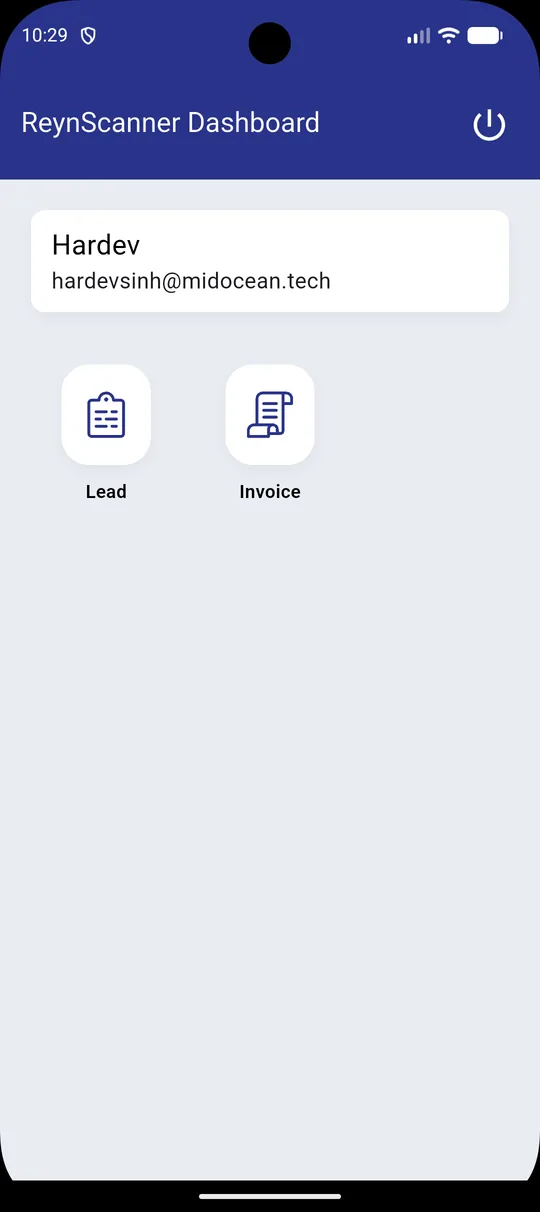
ReynScanner ERPNext Lead details screen
Capture
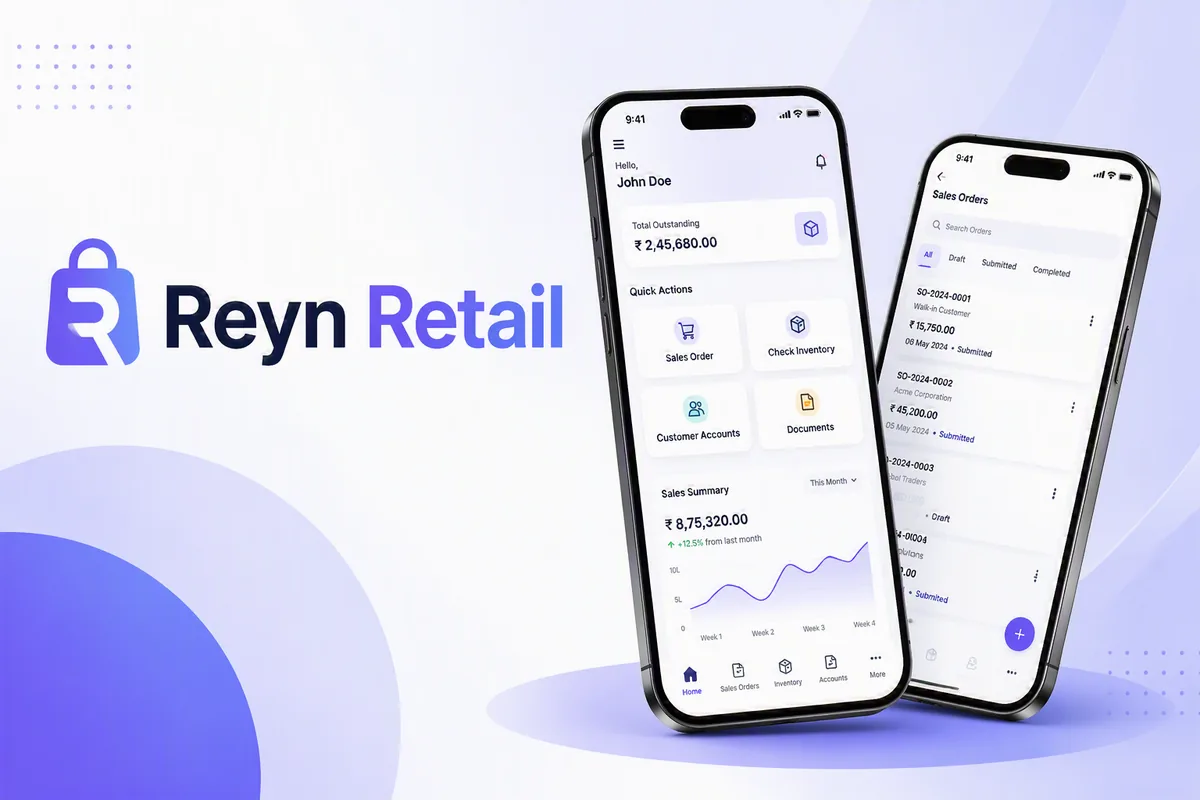
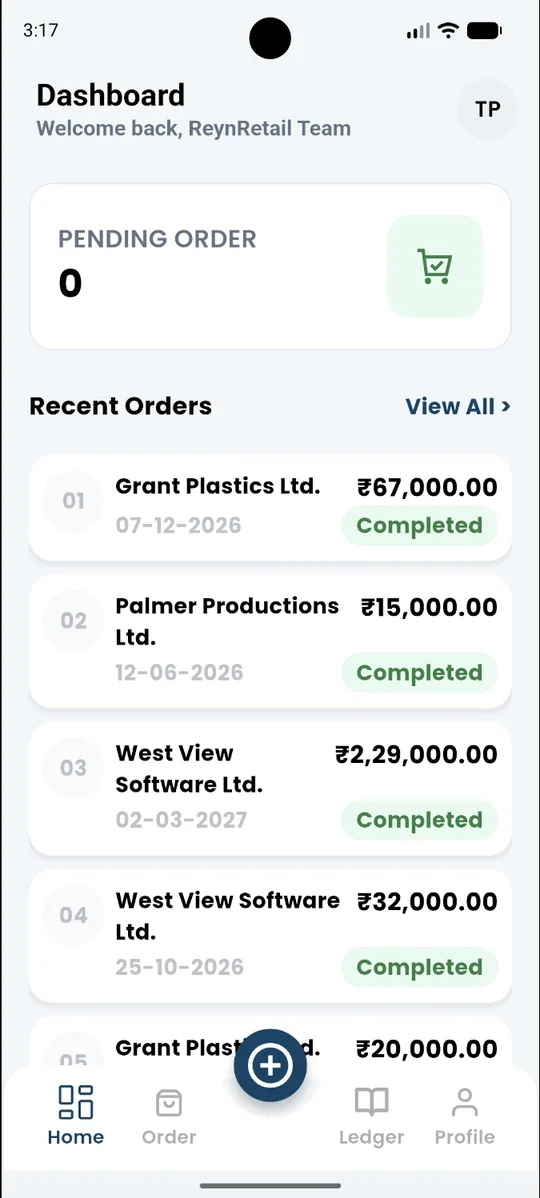
Reyn Retail ERPNext sales dashboard
Sell
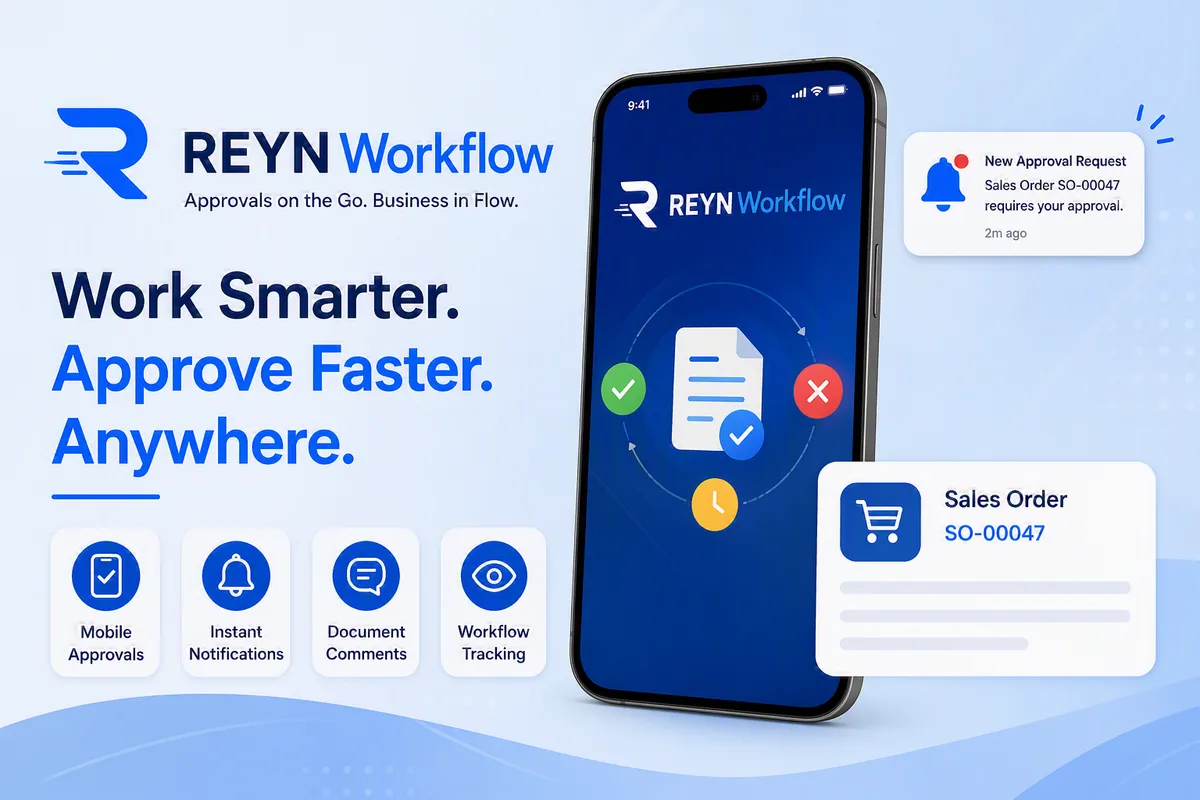
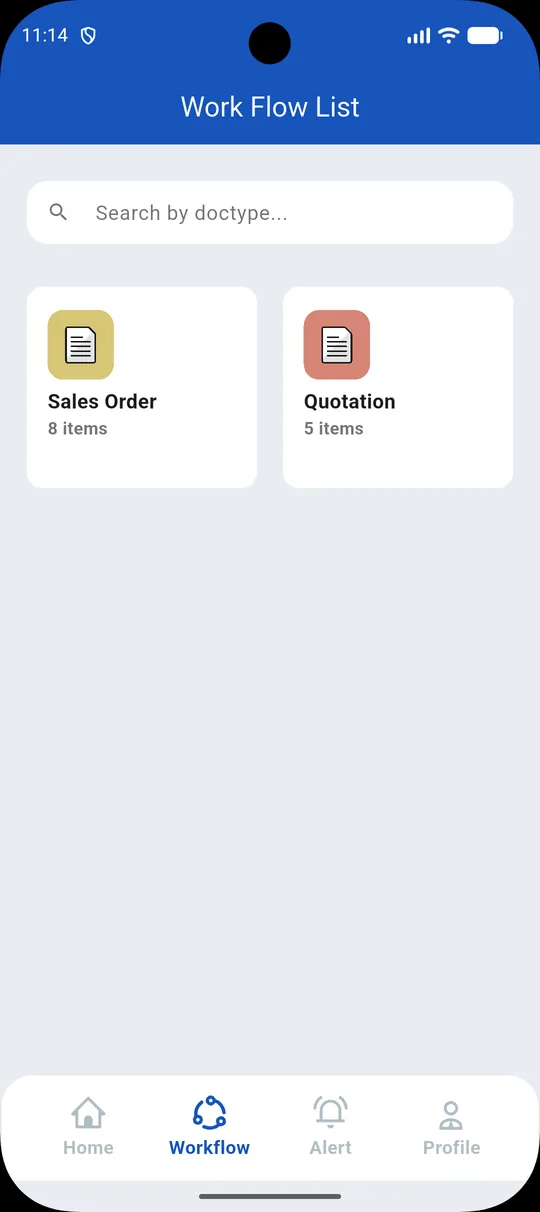
Reyn Workflow ERPNext approval list
Approve

Focused experience · shared backbone

Mobile action → authenticated API → ERPNext record

Focused workspaces

Give each role the smallest useful mobile surface instead of the full ERP interface.

Controlled access

Keep authentication, API exposure and ERPNext permissions in the deployment design.

Record-level outcomes

Create or update the ERPNext document that completes the business task.

Fit before rollout

Confirm users, records, versions, customizations and ownership before commercial scope.

One ERPNext backbone · six jobs to be done

Choose the application by the operational constraint—not by the feature count.

Every app below names the user action, ERPNext records and technical hand-off it is designed to support.

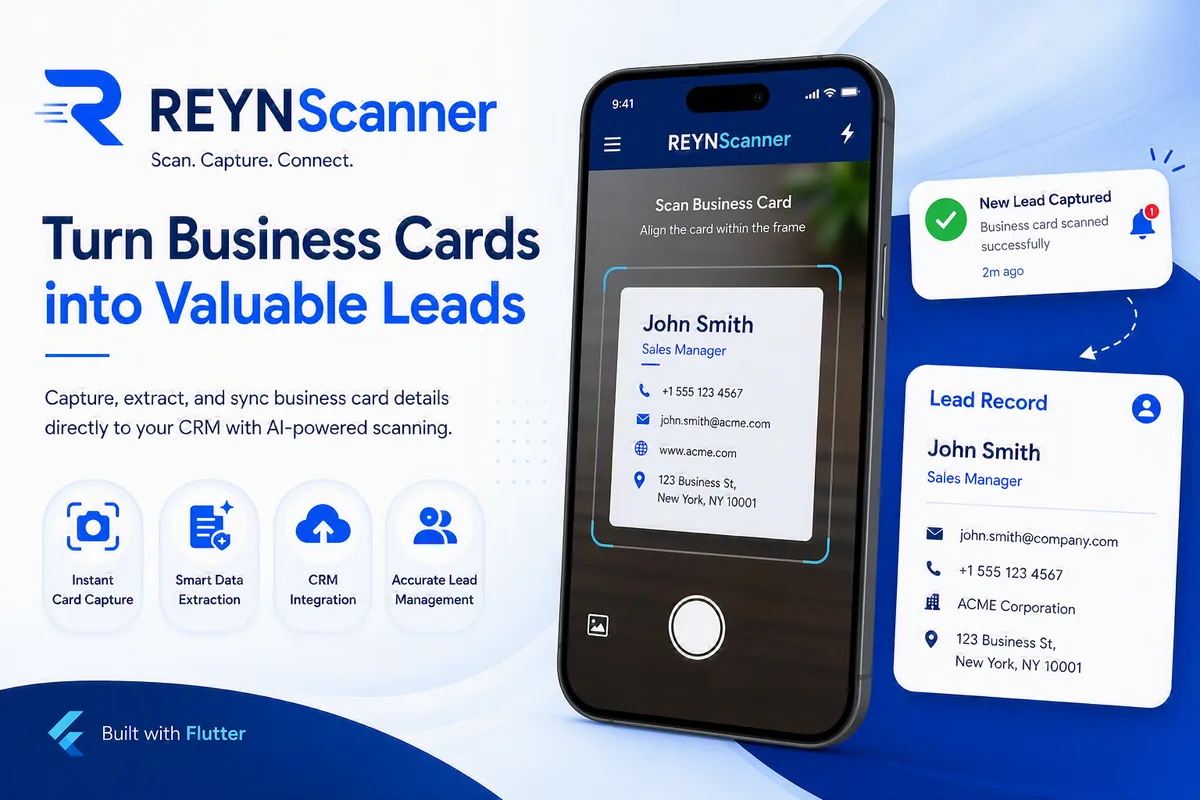
ReynScanner business card capture and ERPNext Lead screensLead capture

Lead capture

ReynScanner

Turn a business card into a usable ERPNext Lead—while the conversation is still fresh.

Capture or upload a card, extract contact details with OCR, review the mapped fields, and create the Lead directly in ERPNext CRM. ReynScanner can also send the acknowledgement email after the record is created.

Best fit: Field sales · exhibitions · partner teams

Operational flow

Scan or uploadOCR extractionHuman reviewERPNext LeadAcknowledgement

ERPNext context

  • Lead
  • Contact data
  • Acknowledgement email

Key capability

  • Camera and gallery input
  • Editable OCR result
  • Manual Lead creation
  • ERPNext REST API hand-off
Read the technical article
Reyn Retail mobile order and customer account screensMobile sales

Mobile sales

Reyn Retail

Give field sales the order, stock, ledger and document context they need before they commit.

Create Sales Orders from mobile, verify stock by warehouse, review customer statements and outstanding balances, then generate and share ERPNext sales documents without returning to a desktop.

Best fit: Distributors · dealers · field sales

Operational flow

Select customerCheck stockBuild orderERPNext syncShare PDF

ERPNext context

  • Sales Order
  • Warehouse stock
  • Customer ledger
  • Outstanding

Key capability

  • Pending order dashboard
  • Price and tax calculation
  • Customer statements
  • ERPNext print formats
Read the technical article
Reyn Workflow mobile ERPNext approval screensMobile approvals

Mobile approvals

Reyn Workflow

Move approvals forward without moving control outside ERPNext.

Approvers receive a notification, open the document, review its status and history, then approve or reject with an optional comment. Authenticated APIs and ERPNext role permissions remain part of the control path.

Best fit: Managers · finance · procurement · HR

Operational flow

ERPNext requestFCM alertReview detailsApprove or rejectStatus sync

ERPNext context

  • Workflow Action
  • Document status
  • Comments
  • Approval history

Key capability

  • Push notifications
  • Standard and custom workflows
  • Role-aware access
  • Approval comments
Read the technical article
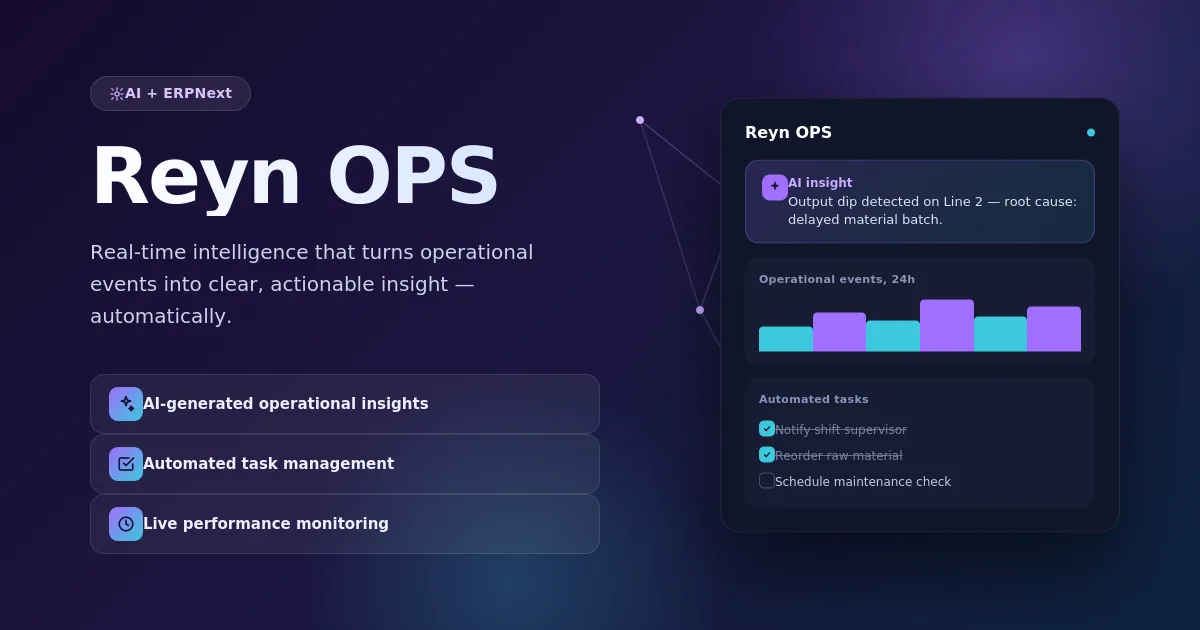
Reyn OPS AI operational intelligence dashboardOperational intelligence

Operational intelligence

Reyn OPS

Turn business events into explained recommendations and accountable follow-up.

Reyn OPS analyzes the context of incoming operational events, presents evidence and recommended actions, and can create ERPNext To-Do records when follow-up is required. Its OKR views connect action tracking with company, department and individual objectives.

Best fit: Operations · leadership · functional heads

Operational flow

Business eventAI contextEvidenceRecommended actionERPNext To-Do

ERPNext context

  • Notification context
  • To-Do
  • OKR
  • Key Result

Key capability

  • Situation analysis
  • Evidence-linked recommendations
  • Challenge patterns
  • Performance dashboards
Read the technical article
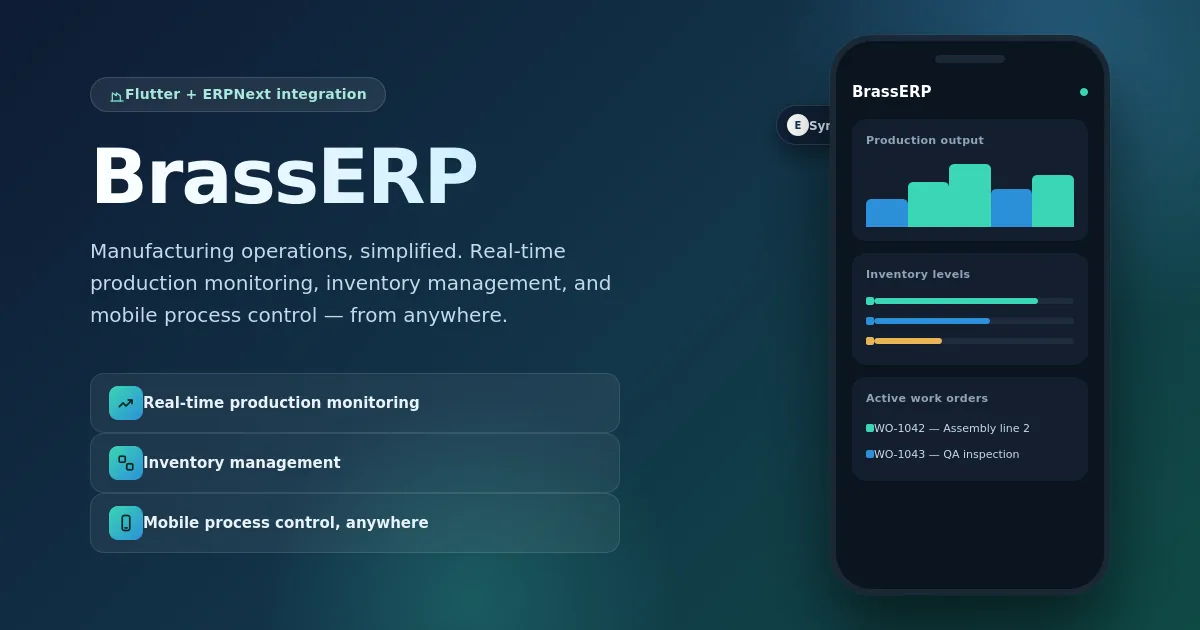
BrassERP mobile manufacturing and production dashboardMobile manufacturing

Mobile manufacturing

BrassERP

Put production, job work and material movement in reach of the shop-floor team.

BrassERP provides mobile access to production progress, Work Orders, job work and inventory. Barcode and QR capture reduce repetitive entry while updates synchronize with ERPNext Manufacturing.

Best fit: Production · stores · subcontracting

Operational flow

Identify jobScan materialUpdate progressSync ERPNextMonitor status

ERPNext context

  • Work Order
  • Job work
  • Inventory
  • Stock movement

Key capability

  • Production monitoring
  • Job work control
  • Barcode and QR support
  • Mobile inventory visibility
Read the technical article
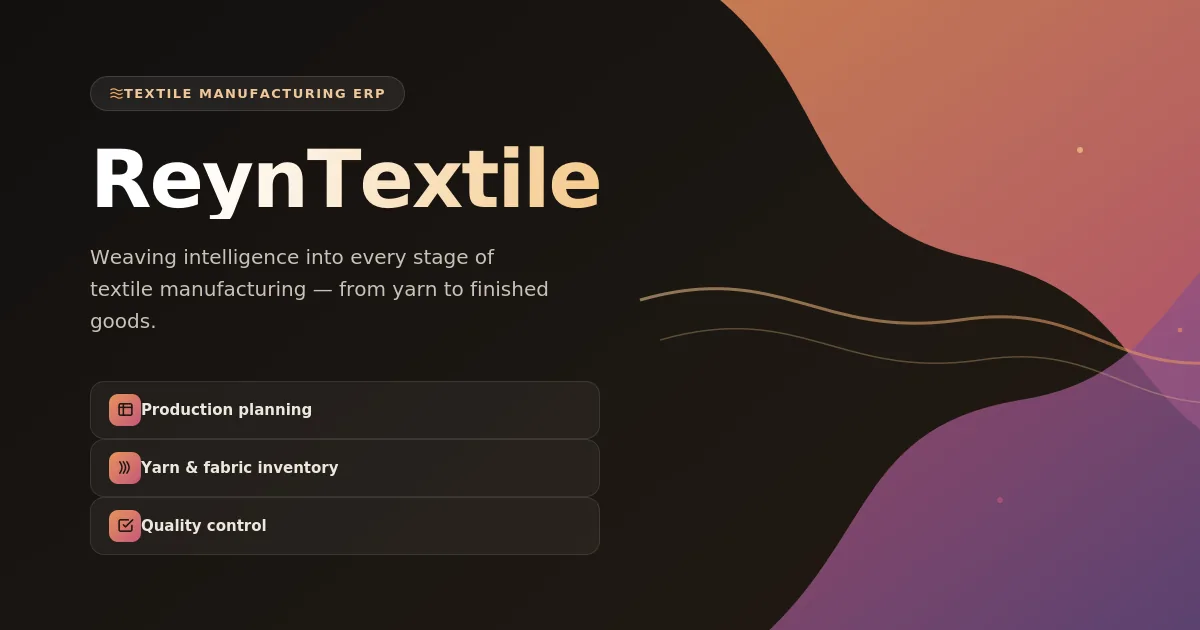
Reyn Textile production, inventory and quality control applicationTextile operations

Textile operations

Reyn Textile

Connect production, material consumption, quality and delivery across the textile lifecycle.

A textile-focused mobile workspace for production and Work Orders, warehouse stock, raw-material consumption, quality inspections and order delivery tracking—from spinning and weaving to dyeing, printing and garment production.

Best fit: Textile factories · garments · processors

Operational flow

Plan workIssue materialTrack productionInspect qualityDispatch

ERPNext context

  • Work Order
  • Warehouse stock
  • Quality Inspection
  • Delivery status

Key capability

  • WIP and stock visibility
  • Material consumption
  • Quality inspection
  • Production notifications
Read the technical article

Technical deployment path

The app is only useful when the record flow survives reality.

Before rollout, Midocean validates the current ERPNext environment, the user’s real task, permissions and document transitions. That review determines configuration, adaptation, test coverage and support scope.

  1. 01

    Environment & version

    Review Frappe/ERPNext version, hosting, installed apps, authentication, custom fields and API constraints.

  2. 02

    Role & record map

    Identify the user, trigger, ERPNext DocTypes, required fields, permissions, transitions and expected output.

  3. 03

    Fit-gap & pilot

    Confirm what works as designed, what requires mapping or customization, and the smallest safe pilot group.

  4. 04

    Release & ownership

    Validate device behavior, errors, audit trail and sync; define support, updates and operational ownership.

Clear before commitment

Questions a serious app rollout should answer.

No. The applications are focused mobile and intelligence workspaces around ERPNext. ERPNext remains the operational system of record for the documents, permissions and business processes described on this page.

Technical fit review

Tell us where ERPNext stops—and the work begins.

Select the applications that look relevant. We’ll use the call to map your existing ERPNext records, permissions and workflow before recommending scope.

  • Application-to-process fit
  • ERPNext version and customization review
  • API, role and data-flow risks
  • Pilot, rollout and support outline
Which applications should we review? *

We use these details only to respond to this request.

Need a custom Frappe app instead?

Browse Midocean’s app catalogue and deployment models.

Explore Frappe Apps